1. Open your project folder
Start with the files you already use for real work.
Smart-IIE for Mac
Smart-IIE is a local-first desktop app for people who work in documents. Point it at your project folder, ask a question, and open the cited source.
Start with the files you already use for real work.
Smart-IIE prepares your documents so answers stay grounded.
Get a direct answer and open the cited source in one click.
Built for people who need clear answers from their own documents without guesswork.
Responses are tied to source passages so users can verify before acting.
The default v1 flow is local-first on Mac with included local AI models.
Install, open a folder, index, and ask your first question in minutes.
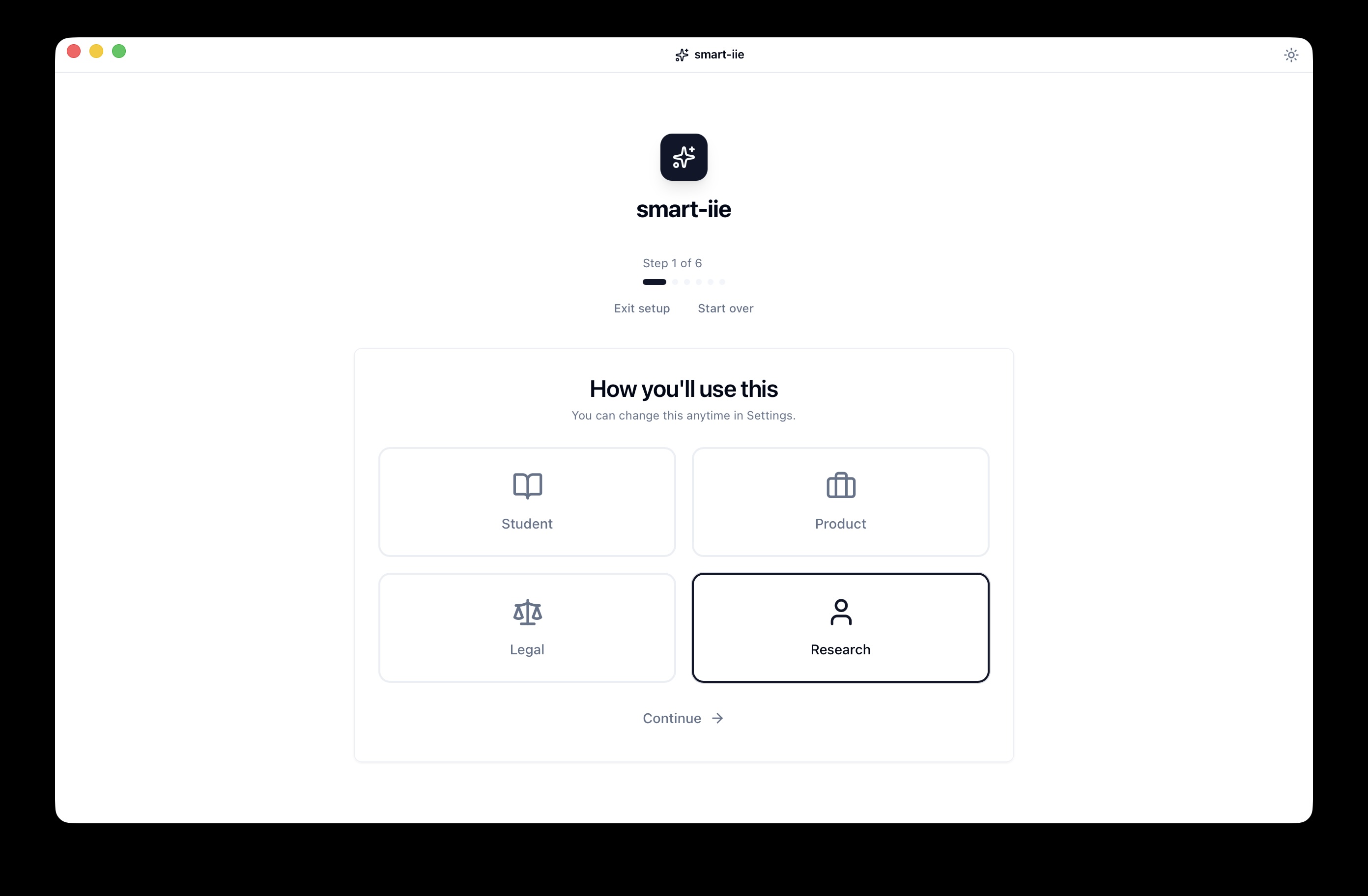
Install the Mac app, point it at your files, and start asking questions with source-backed answers.